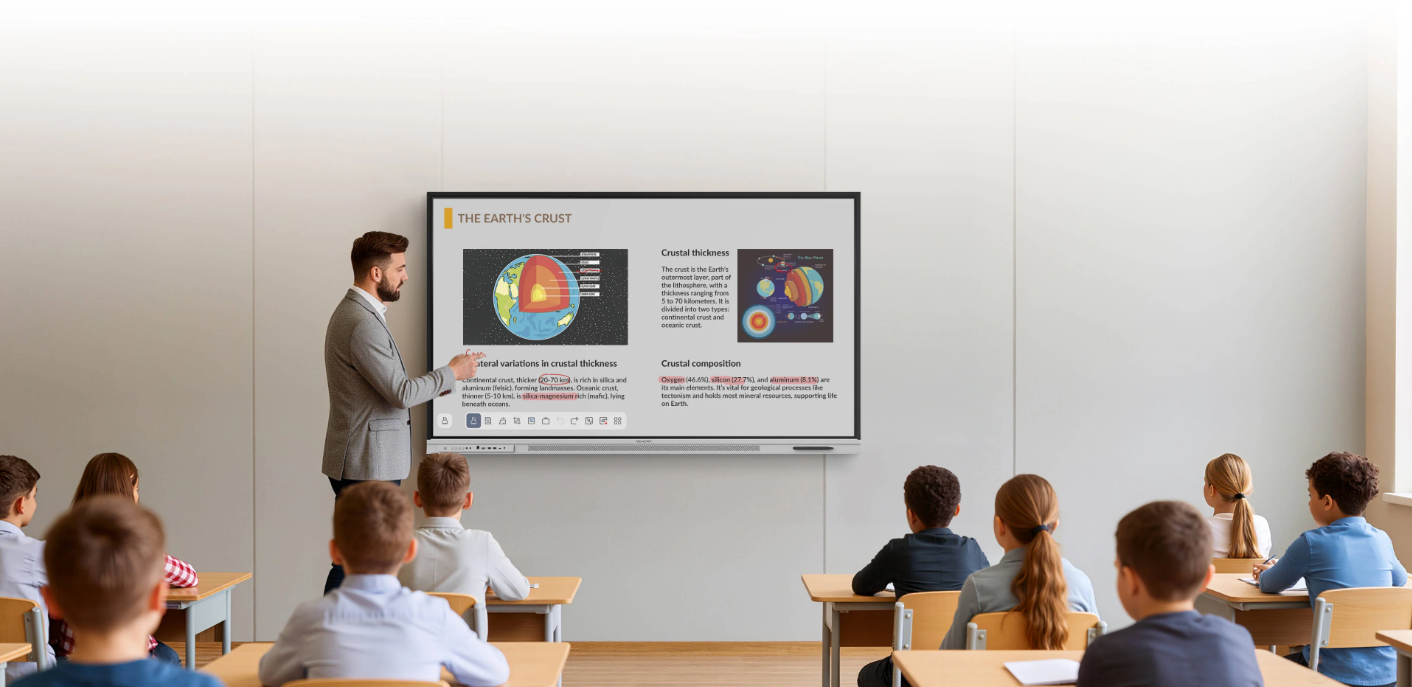
School districts rarely install interactive displays in isolation. A rollout may cover classrooms, libraries, training rooms, and shared meeting spaces across several campuses. Planning should cover network access, teaching workflows, room layouts, and support.
Nework develops smart whiteboards for education and collaboration. Its displays support shared work with apps such as Miro, Microsoft Whiteboard, and Lucidspark, allowing participants to contribute from the board or their own devices. Schools evaluating the NewBoard E series for education can review teaching activities alongside network and support requirements before setting a rollout schedule. They can consult the company about product fit.
Start with Campus Requirements
Before selecting rooms, district teams should map how teachers and students will use interactive displays. A classroom may need lesson annotation and group exercises, while a library may use the screen for project reviews. This helps identify rooms that need shared writing, wireless participation, or specific apps.
A site survey should record display locations, power outlets, network coverage, and the distance between screens and access points. Walls, crowded wireless channels, and older equipment can affect connectivity. Test representative rooms before repeating the setup across campus.
Teachers, IT staff, facilities teams, and procurement officers should all contribute. Teachers explain routines, IT teams assess security, and facilities staff confirm mounting and cabling. Procurement can compare needs with configurations and budget.
Prepare the Network Before Installation
Interactive displays depend on reliable network access when lessons involve cloud tools, shared boards, or remote participants. IT teams should confirm which wireless network devices will use and whether wired connections are available. Guest and staff access should be reviewed separately, particularly when students use personal devices to join activities.
Network policies may restrict application access or communication between network segments. Administrators should check the requirements for planned apps and test them under the district’s actual security rules. This can reveal blocked features before classes begin.
Capacity planning matters when many rooms are active at once. A single display may work well during a trial, but a full timetable can create heavier demand as classes use video, cloud documents, or shared canvases. Test simultaneous use during a realistic school day and review coverage during busy periods.
Set Up Access and Device Management
A district rollout needs a clear approach to accounts, permissions, and software updates. Decide who can change settings, install approved applications, and manage shared content. If campuses follow different account policies, document those differences rather than assuming every site works the same way.
Set privacy and retention rules before teachers save class activities. Staff need to know where boards are stored, who can open them, and how long materials remain available. When students contribute from their own devices, schools should explain which accounts to use and whether personal information may appear on a shared screen.
IT departments should define how devices will be updated and supported. Record each display’s location, network details, support contact, and configuration. Checklists standardize settings, and a change log helps trace problems.
Pilot the Teaching Workflow
A small pilot lets teachers and technicians test real lessons before the rollout expands. Choose rooms with different network conditions and teaching styles. Ask teachers to open a shared canvas, invite participants, add comments, and save work in the selected application. Record confusing steps and requests for IT help.
The collaboration workflow matters as much as installation. A team might collect ideas in Miro, annotate material in Microsoft Whiteboard, or organize a project in Lucidspark. Participants can join from their own devices, contribute in real time, and return to saved work later. Training should show how these steps fit into lessons, not just where controls appear.
Ask whether students can read the screen, teachers can switch activities smoothly, and contributions are retained. Use the findings to update room instructions, training materials, and support procedures before adding more campuses.
Plan Training and Ongoing Support
Professional development should match staff responsibilities. Teachers need practice with annotation, sharing, saving, and retrieving lesson materials. Campus technicians need troubleshooting guidance for connectivity, peripherals, and account access. District administrators may need a separate session on policies, update schedules, and escalation routes.
Schools should avoid relying on one teacher as the only source of help. Identify a contact at each campus and provide a short guide to common tasks. Staff should report the room, time, application, and steps taken.
For procurement teams, Nework offers a collaboration-focused option to assess within this wider plan. More than 25,000 professional teams use its smart whiteboards, according to the supplied product information. Districts can evaluate whether shared canvases, app compatibility, and saving work in a chosen application match classroom practices, then confirm deployment details with the supplier.
Build a Rollout That Can Scale
A campus deployment depends on more than mounting screens. Network readiness, account policies, teacher training, room conditions, and support ownership all affect daily use. A staged rollout gives the district time to correct issues and adapt training before the next group of schools begins.
When assessing the NewBoard E series for education, districts should connect product evaluation to pilot evidence: application access, simultaneous classroom use, saved-work routines, and feedback from teachers and technicians.
This supports a practical decision, clear expectations, and documented settings at each campus.
